The 1.0 announcement confirms that you can join your own tournament and receive prizes according to your final ranking. Check the current in-game event screen for its specific conditions.
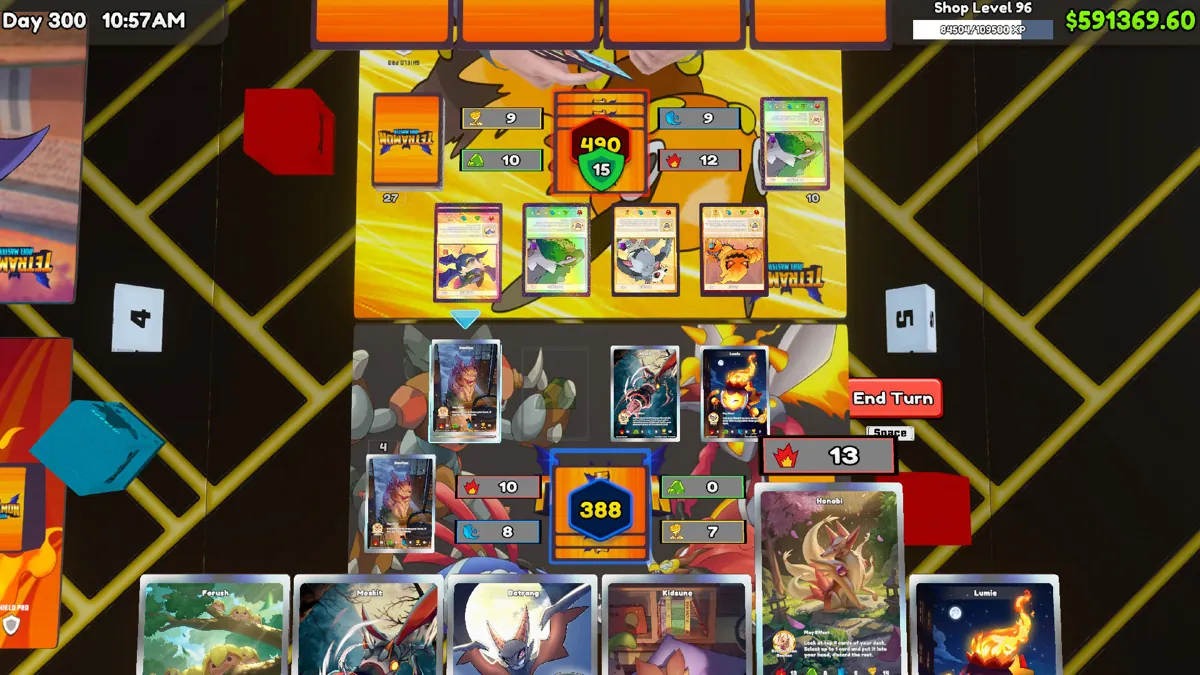
Bracket not advancing in 1.02
The later 1.02 addendum lists a possible fix for tournaments that stop progressing. This is not the same as 1.01’s entry issue. Note your round, unfinished matches and whether you loaded the event from a save; report persistent stalls without overwriting an unchanged backup.
A customer-duel achievement also receives a counting fix in 1.02. See TCG Arcade, but do not assume every tournament activity contributes to the achievement without confirmation from the game.
Cannot join your match
The developer’s Build 1.01 addendum lists a fix for being unable to enter before your match starts. Compare the confirmed patch notes with your installed version, then retry normally.
Still blocked? Use the tournament troubleshooting checklist. Keep your save and report the platform, build and event state rather than assuming an unsupported reset trick is required.
Prepare as an organizer
Before an event, review stock, available space and the tasks your shop still needs to perform. Running an event should not hide a basic operating problem such as an empty product shelf.
Write down event expenses separately when comparing a normal day with a tournament day. Gross revenue alone is not a profit comparison.
Prepare as a player
Read your deck and make sure it is actually assembled in the Workbench. The planner can help you count copies and identify cards you still need, but the game remains the authority on legal construction.
Practice the same plan against customers before an event. Keep notes about recurring awkward hands instead of rebuilding the entire list after one loss.
Record useful results
Record the deck revision, event, outcome and what failed. A sample of one cannot establish that a deck is unbeatable or an event is the most profitable.
This guide deliberately avoids invented reward tables, precise win rates or an unsupported unlock ladder. Verify those details against your event interface.
Good questions. Clear answers.
Can I join a tournament I host?
Yes. The official 1.0 update explicitly adds player participation in hosted tournaments.
Why can’t I enter before my match starts?
Build 1.01 lists a fix for this entry problem. Confirm that your installed build includes the fix, and record the event state if it persists.
Source-reviewed . Recommendations are editorial guidance, not in-game benchmark results.
OPNeon Games — 1.0 update and launch FAQ Workbench unlock, playable TCG, Ascension, tournament participation, save transfer and multiplayer status.
TCG Card Shop Simulator — official Steam listing Game identity, management features, single-player classification and PC requirements.
OPNeon Games — Build 1.01 bug-fix addendum Observed in the “Build 1.01 - Bug Fixes” section of the 1.0 announcement. No separate publication timestamp is shown for this addendum; September 17 is our review date, not its asserted release date.
OPNeon Games — Build 1.02 addendum to the 1.0 announcement Live-browser verified September 18: Ascension gift chance, TCG Arcade win counting and a possible tournament-progress fix. The parent announcement is dated September 14; the 1.02 addendum has no separate visible release timestamp. Console rollout and retroactive win recovery are not specified.