Separate product browsing, checkout work and play-table activity. Test the routes you repeat, then expand only when the current arrangement shows a clear limitation.
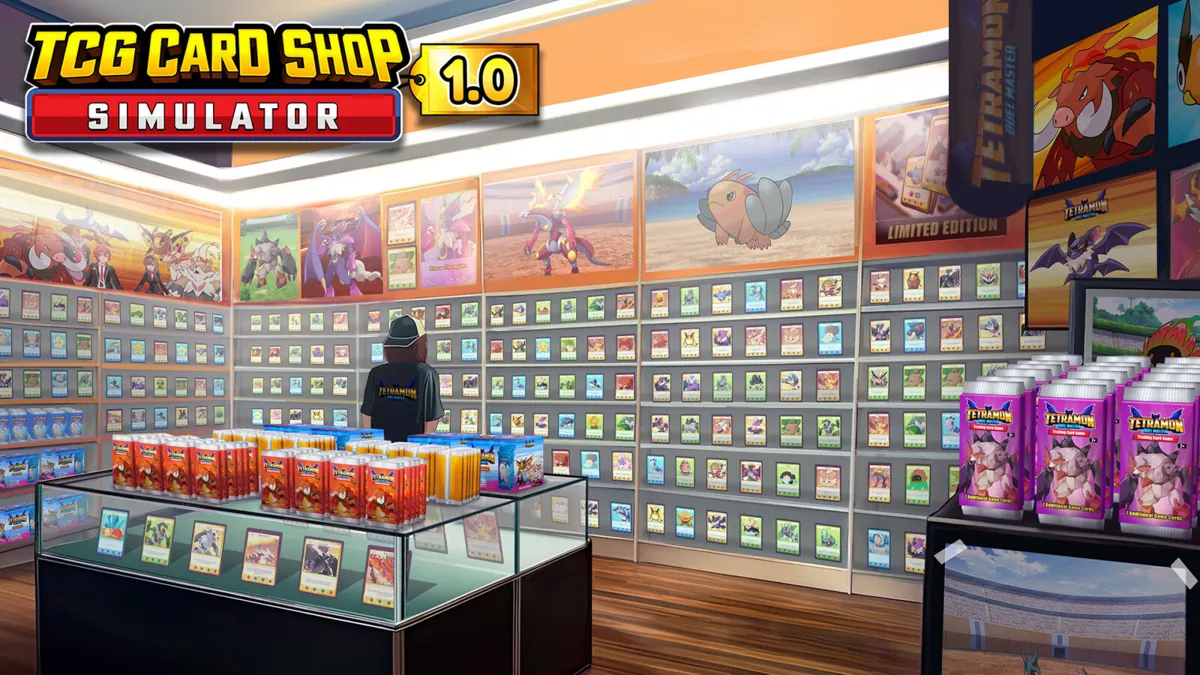
Follow a product through the shop
Walk from delivery or storage to its shelf and back to the register. Ask which movement you repeat most often and what blocks it. Place high-maintenance stock where it is convenient to service, rather than relying only on visual symmetry.
This is a workflow recommendation, not a claimed pathfinding exploit or a quantified game bonus.
Give tables their own purpose
Identify the area intended for players and keep it visually separate from routine stocking work. The shop listing describes hosting games and maintaining a clean space; review these needs when adding furniture.
Before a tournament, check your setup while the shop is operating. A design that looks good while empty may feel very different during normal activity.
Expand with a question in mind
Is expansion meant to solve lack of stock space, a difficult route or room for an event? Write the answer before purchasing. Recheck afterward to see whether the extra space addressed the original problem.
Keep a screenshot of each layout revision. This is more useful for comparing your own shop than blindly importing a late-game arrangement with different equipment.
Good questions. Clear answers.
Is there one verified best layout?
No universal best layout is established here. This guide provides a practical testing method, not a measured ranking.
Source-reviewed . Recommendations are editorial guidance, not in-game benchmark results.
TCG Card Shop Simulator — official Steam listing Game identity, management features, single-player classification and PC requirements.